When You Receive an Insect Detection Email
Hint
Pescle Insects sends an email when an insect is detected by the device camera. This section explains how to check from the link in the email you receive.
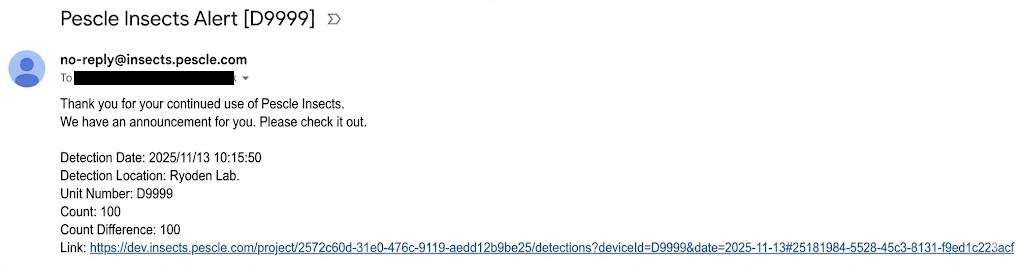
When you receive an email like the one below, click the link.
Hint
There are also emails that include a daily summary. For more details, please refer to When You Receive a Summary Email.
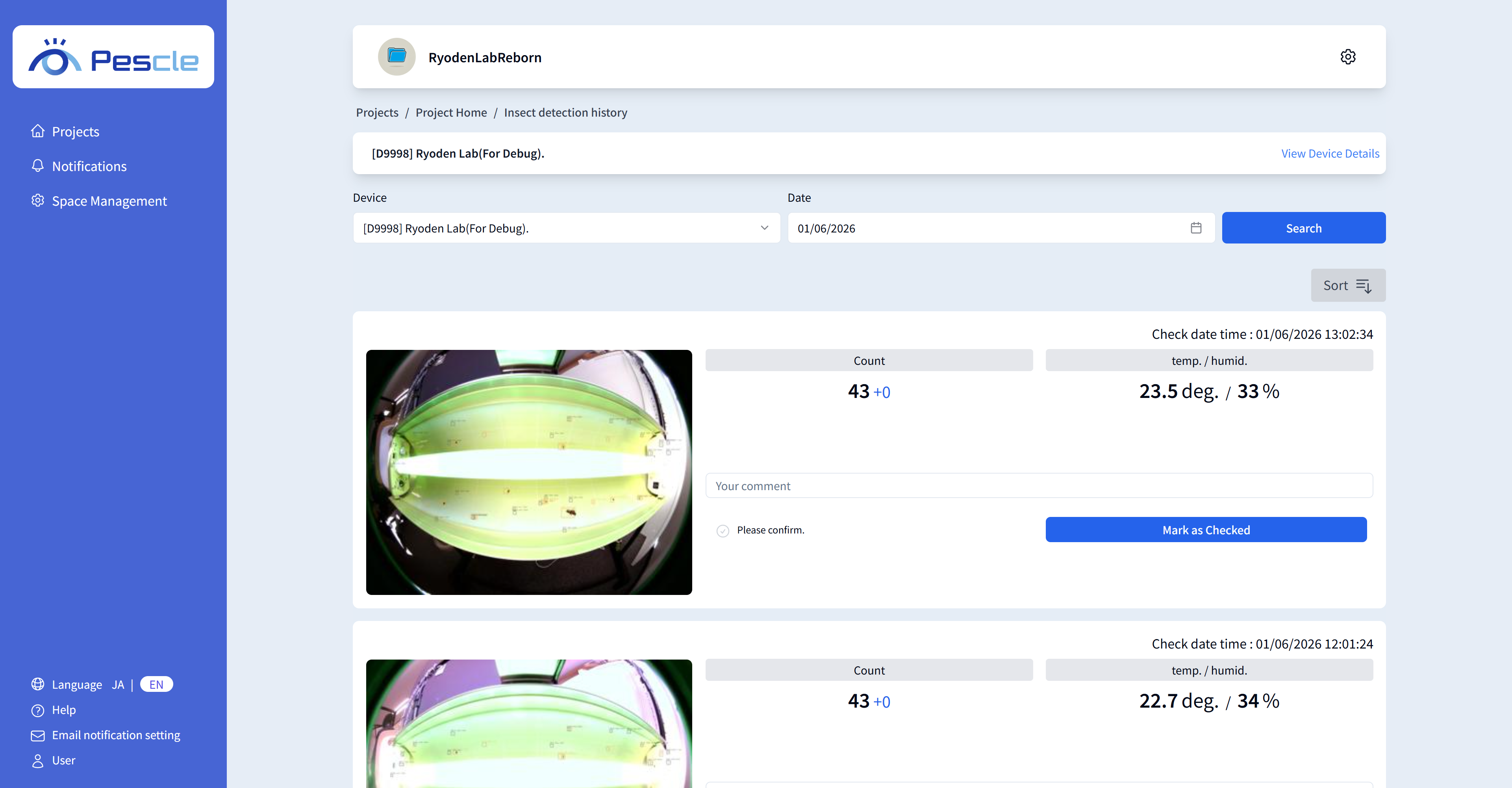
The link displays the insect detection history where the insect was detected. When you click it, the insect detection history will be shown.
Hint
After reviewing the insect detection history, click the “Mark as Checked” button. You can also enter comments.
Please refer to How to Comment on Insect Detection History.